Signal blind spots and attenuation: Due to the thick walls and complex structure of dormitory buildings, traditional corridor-style deployment often struggles to penetrate deep into rooms | Congestion during peak periods: Insufficient bandwidth and concurrency capacity | Operation and maintenance are becoming more complex: there is a lack of unified management and security control | Terminal diversification: insufficient stability of device access |
1.Weak signals often occur in room corners, bathrooms, and upper and lower bunk positions. 2.Significant differences in experience are observed across different floors and orientations . 3.Wiring difficulties and high costs for coverage and renovation in old buildings result in networks that are present but not functional. | Dormitories are the most typical "traffic concentration scenarios" on campus: 1.The number of simultaneous online users surges during the evening from 20:00 to 24:00 2.Video, live streaming, online courses, and games overlap 3.Single AP overload, causing stuttering throughout the entire floor Traditional solutions are often designed based on "coverage" rather than "concurrent capacity",This leads to network performance collapse at the most critical times. | The dormitory network must not only be "functional", but also "manageable, controllable, and auditable": 1. Students, visitors, and operation and maintenance personnel use the network interchangeably 2. Lack of a unified certification system 3. Fault diagnosis relies on manual layer-by-layer investigation 4. It is unable to precisely locate "which building, which floor, and which Access Point (AP)" 5. It is difficult to trace security incidents. This has left the IT department in a state of perpetual "reactive firefighting",High operation and maintenance costs, slow response, and low satisfaction | The dormitory is an "extremely multi-terminal environment": 1. Multiple types of smart devices are online simultaneously, with significant differences in capabilities across different brands and protocols 2. The compatibility of old equipment is poor 3. In high-density scenarios, issues such as disconnection, reconnection, and false connections are prone to occur
Once the network lacks intelligent scheduling and terminal adaptation capabilities, the following issues may arise: 1. "It appears to be 'connected', but in reality, it is 'unable to access the internet' " 2. Game lag spikes and videos buffer frequently |
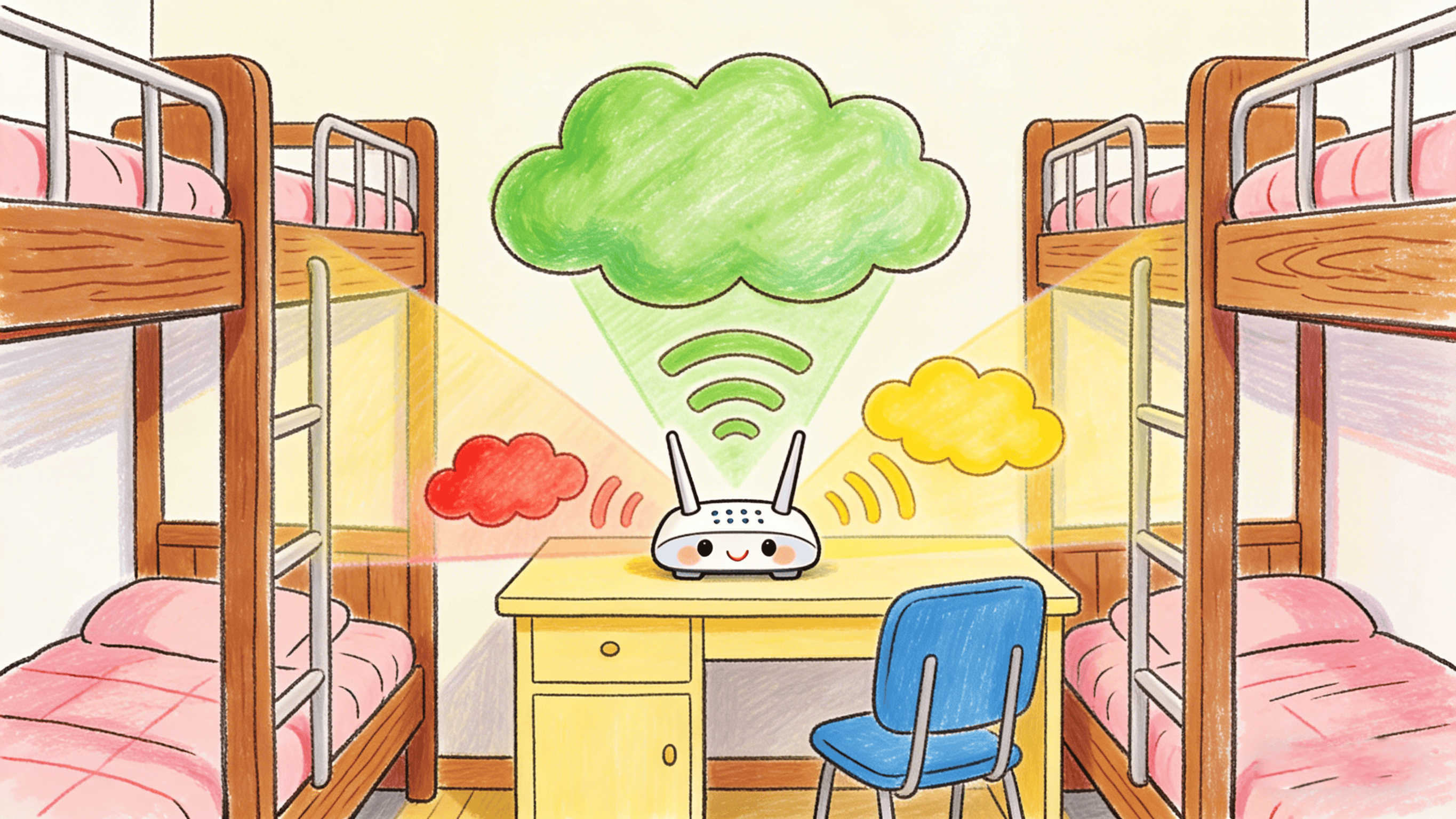
What we want the dorm Wi-Fi to be like:
1. Strong, reliable signal in every room.
2. Runs smoothly even when everyone's online (videos, live streams, classes, games).
3. Handles thousands of devices per building.
4. Seamless roaming without disconnecting.
5. Easy to verify and manage users.
6. Low maintenance costs.
Basically, we want dorm Wi-Fi that's as reliable as your home internet but as easy to manage as a business network.
Coverage | Signal | Network Structure |
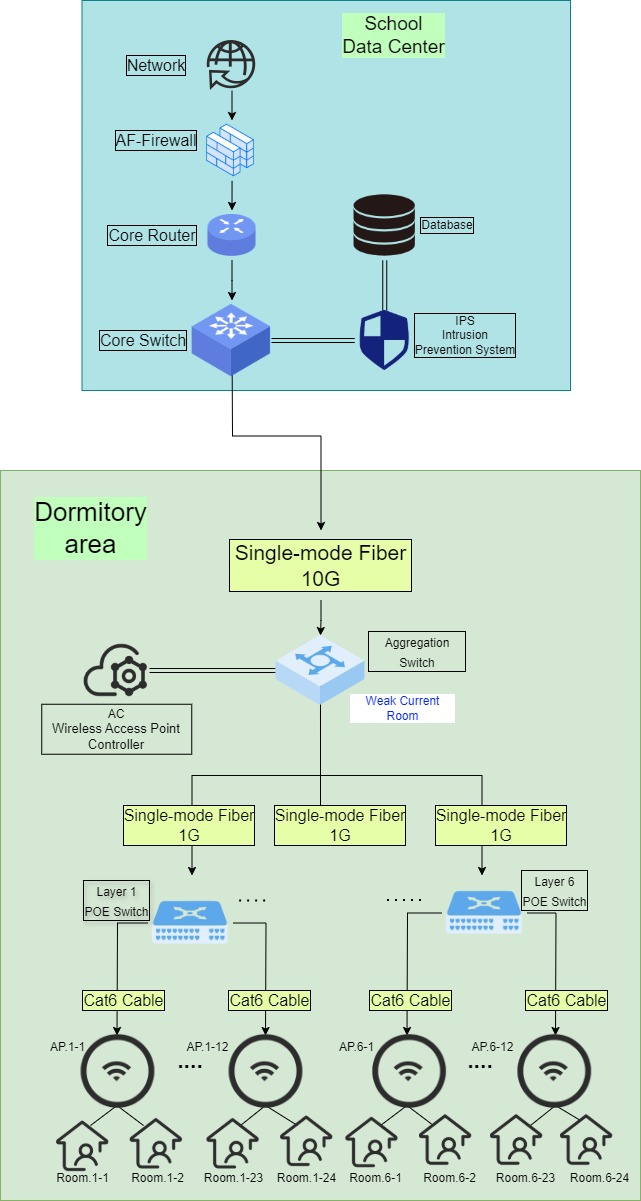
1. Put Wi-Fi routers on the ceiling in the hallways on each floor. 2. Place a router every 2–4 dorm rooms. 3. For older buildings, use a mix of 5G and Wi-Fi. | 1. Avoid overlapping signals. 2. Control how much the signal weakens when it goes through walls. 3. Use enough routers to cover the area well. | 1. Use a main switch, with connections to each building, and then connections to each floor 2. Use wired connections as much as possible, with Wi-Fi and 5G to fill in any gaps. |
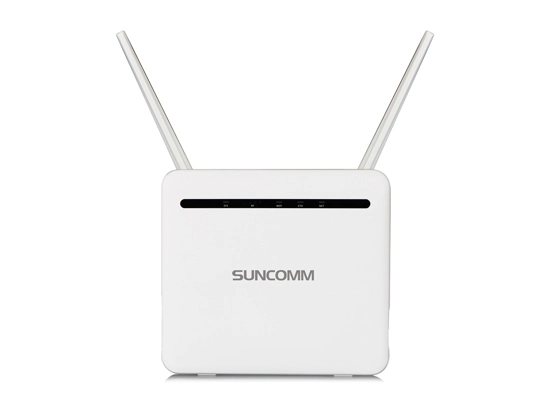
In renovation projects where deploying new cabling is challenging, a 5g cpe device can provide an efficient way to extend broadband access across dormitory buildings.
How to Handle Lots of People and Data | Security | How to Manage the Network |
This is super important for dorms: 1. Each router should handle 50–100 devices. 2. Manage traffic during peak hours (evenings). 3. Automatically balance the load across different routers. 4. Smartly distribute bandwidth. Deploying infrastructure that supports 5G wifi6 helps improve network efficiency and user experience in high-density dormitory environments. | This is what the school needs: 1. Students need to log in with their accounts. 2. One account per person. 3. Separate networks for visitors. 4. Keep the dorm network separate from the classroom network. 5. Track internet usage. 6. Set limits on speeds and block certain sites. | This is about making it easy to manage: 1. Manage everything from one cloud platform. 2. Configure lots of devices at once from a distance. 3. Get automatic alerts when there's a problem. 4. See a map of each building and floor. 5. Let students report problems themselves. |