

When shopping for a 5G CPE router, you’ve probably come across terms like band lock, frequency lock, or NR band selection. But what exactly is band locking, and why is it becoming one of the most sought-after features in modern 5G routers, especially for gamers, remote workers, and users in rural areas?
In this article, we’ll break down what band lock means, how it works, and why it’s critical for getting the best out of your 5G wireless router.

Band Lock is a feature that allows you to manually lock your 5G CPE device to a specific frequency band (e.g., N41, N78, N79). In simple terms, you're telling your router: “Only connect to this band.”
Why would you want to do that?
Because not all 5G bands are created equal. Some are:
² Faster but shorter-range (e.g., N78)
² Slower but more stable in rural areas (e.g., N28)
² Less congested, depending on your carrier and location
With band lock, you can force your router to stay on the band that gives you:
² Faster speeds
² Lower latency
² More stable connections
Most Qualcomm-based routers (like the SUNCOMM SE06) and advanced OpenWRT routers support manual band selection via:
² Web UI
² Mobile app
² AT command interface
Once locked, the router will no longer jump between bands, which is a common cause of speed drops and signal instability.
This is especially useful when:
² Your router keeps switching to a weaker 5G band automatically
² You live in an area where only one or two bands perform well
² You need a consistent connection for gaming, streaming, or video conferencing
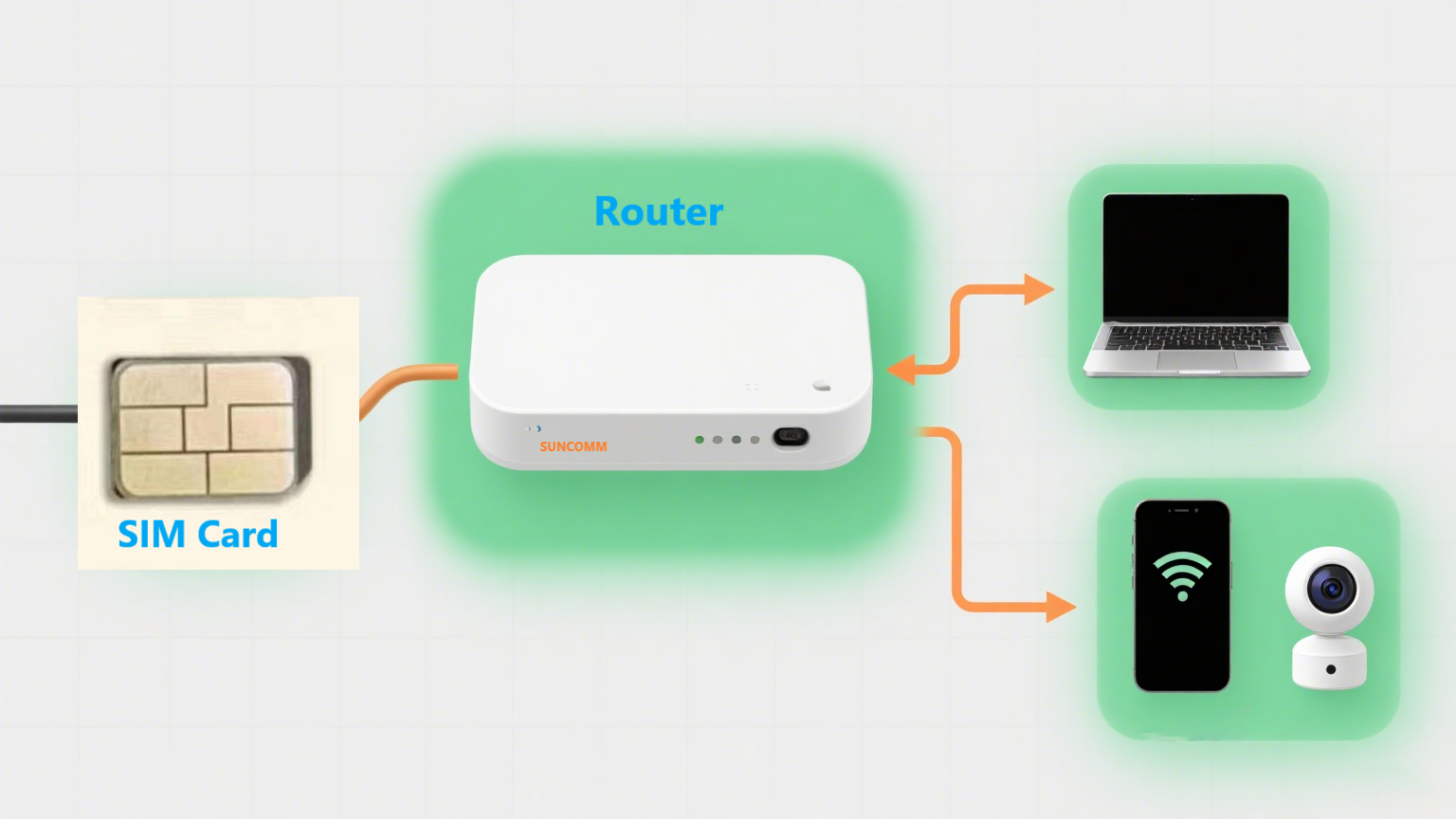
If you're using a 5G CPE router for rural internet access, signal coverage may be uneven. Locking to the strongest available band helps avoid disconnections.
In gaming routers, high ping and sudden lag often result from the router switching bands mid-session. With band lock, you get stable ping and uninterrupted gameplay.
Professionals relying on Zoom, Teams, or YouTube Live can’t afford sudden signal drops. Band locking ensures a stable video uplink, especially when paired with 5G NSA/SA mode selection.
Many high-end routers like the SUNCOMM SE06 5G WiFi 6 Router, a powerful 5g cpe device designed for advanced wireless connectivity, offer simple tools in the admin dashboard to:
² Scan available bands
² Select the strongest or most stable one
² Lock the router to that band with a single click
If you’re using an OpenWRT router, you can even configure automatic rules based on location, SIM card, or time of day.
Tip: Use speed test tools while switching between bands to find the best-performing one.
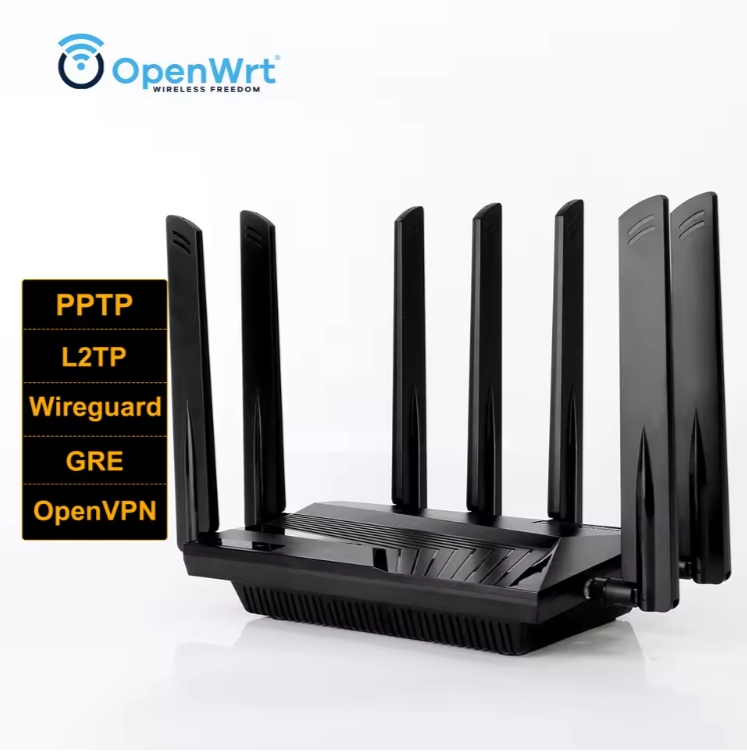
Not all routers support full band locking. Here’s what to look for:
Feature | Qualcomm Routers (e.g., SE06) | Entry-Level Routers |
Band Scan | Full manual & auto scan | Limited or none |
Manual Locking | Web UI & App supported | Often not supported |
Multi-Band Lock | Lock multiple NR bands at once | Single band or auto-only |
Carrier Compatibility | Global SIM support | Limited to local carriers |
Absolutely — especially if you:
² Want maximum stability in your 5G connection
² Live in a location with spotty coverage
² Use your router for real-time tasks like gaming or video calls
Choosing a router with band lock functionality can make the difference between frustration and flawless performance.
The SE06 5G CPE Router by SUNCOMM features:
² Qualcomm X62 / X75 chipsets
² Full band locking capabilities
² WiFi 6 speeds up to AX3000
² Support for 50+ global 5G/LTE bands
² VPN, Mesh, and TR069 remote management
It’s designed for power users, gamers, and professionals who need reliable, secure, and high-performance internet.


