

Modern 5G CPE routers and WiFi 6 routers are built with advanced chipsets and high-speed connectivity. But for users, sometimes the most important feature is something simple: knowing whether the network is working properly.
This is where LED indicators play a vital role. With just a quick glance, you can instantly understand the status of power, Wi-Fi, 4G, and 5G signals—without needing to log into the router’s backend.

² Blue Light: Stable power input, router is running normally.
² Off: No power detected, check adapter or DC input.
The power LED gives you immediate confidence that your router’s DC5521 power input and adapter are working as expected. For users in enterprise or home office setups, stable power is the foundation of reliable connectivity.
² Blue Light: Wi-Fi is active and broadcasting normally.
² Off: Wi-Fi is not functioning or disconnected.
This indicator allows you to quickly confirm whether your WiFi 6 router is providing wireless access. For multi-device households or gaming environments, it helps troubleshoot connectivity issues instantly.
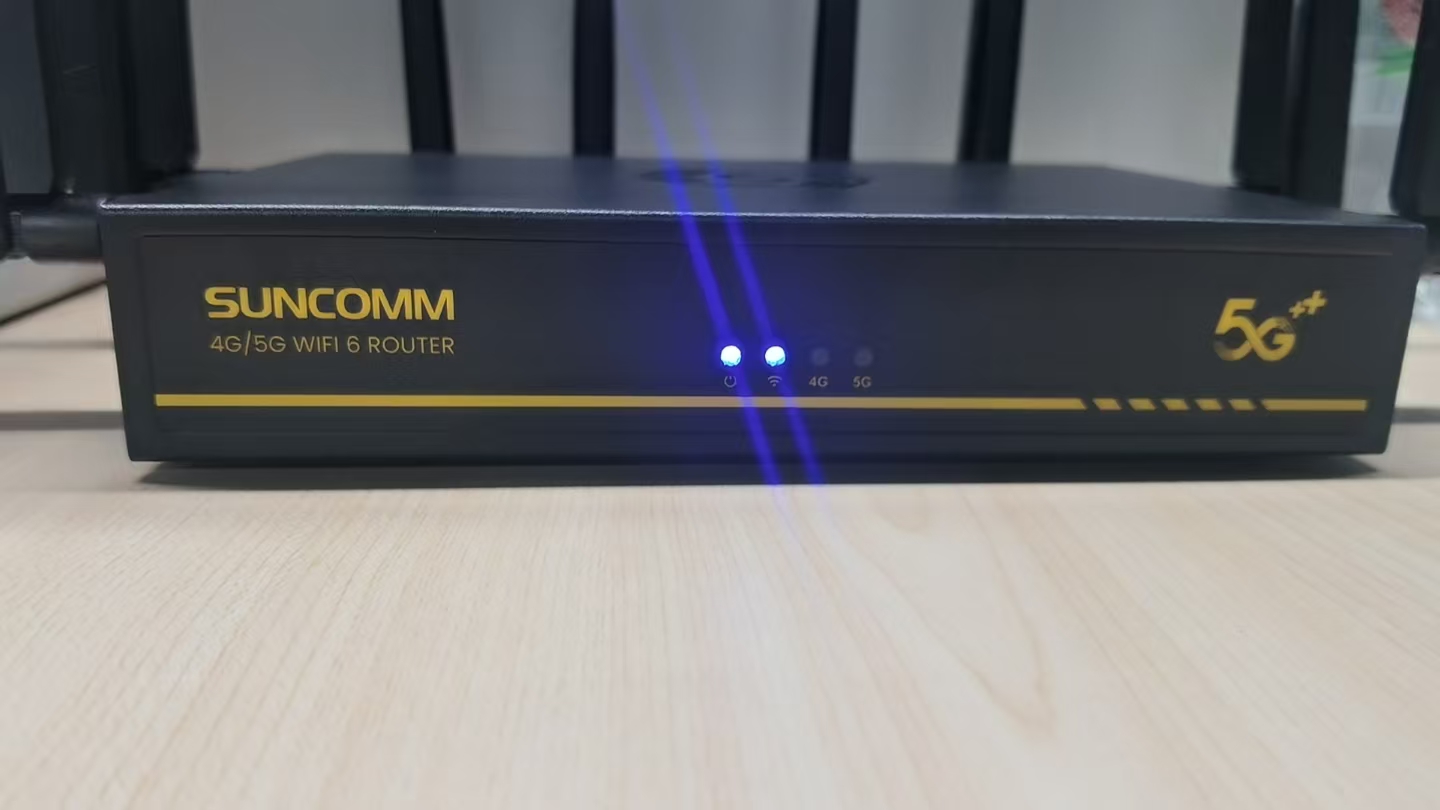
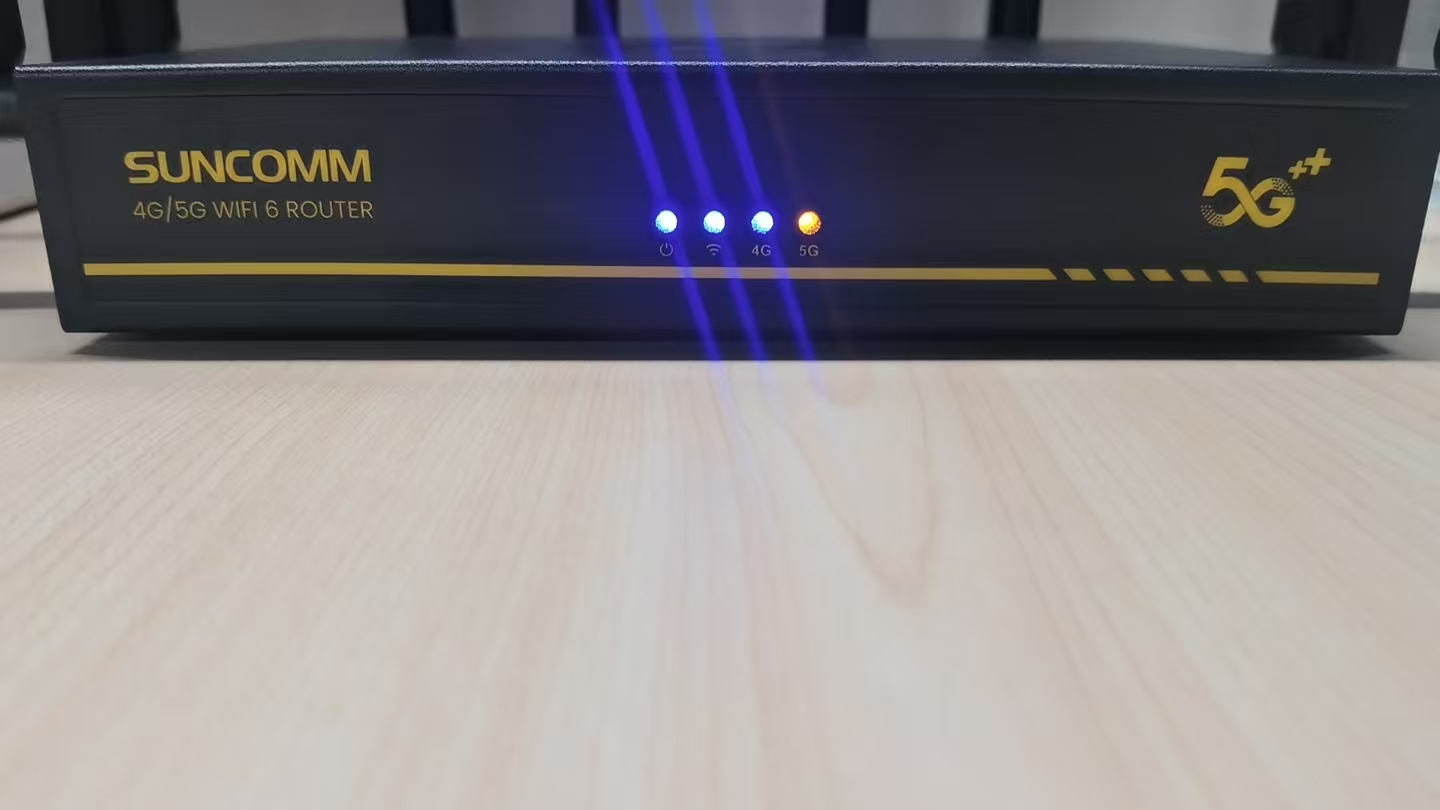
² Blue Light: Strong 4G signal, stable connection.
² Orange Light: Weak 4G signal, performance may vary.
² Off: No 4G signal detected.
For users in regions where 5G is not yet fully available, the 4G LED indicator helps optimize placement of the router or external antennas to maximize signal reception.
² Blue Light: Strong 5G signal, optimal performance.
² Orange Light: Weak 5G reception, possible fluctuations.
² Off: No 5G signal detected.
Since 5G CPE routers rely on network conditions, this LED gives instant feedback on signal strength. Users can easily reposition the router near windows or attach high-gain MIMO antennas to improve 5G coverage.
² Instant Troubleshooting: No need to open router settings—just check the lights.
² Better Placement Decisions: Move your router to improve Wi-Fi or 5G coverage based on indicator colors.
² Peace of Mind: Quickly confirm that power, Wi-Fi, and cellular connections are stable.
² Efficient Support: When contacting ISP or IT support, LED feedback simplifies issue reporting.
While advanced features like VPN support, band lock, and mesh networking add value to modern routers, the simplicity of LED indicators should not be underestimated. They provide users with immediate, visual feedback on power, Wi-Fi, and cellular connectivity—making troubleshooting easier and ensuring peace of mind.


