Modern 5G CPE routers and WiFi 6 routers are powerful devices that do far more than simply deliver internet access. They handle encryption, manage multiple devices, and support advanced features like VPNs and network monitoring. To keep all of these systems running smoothly and securely, firmware upgrades play a critical role.
Just like your smartphone or computer, your router needs regular updates to fix vulnerabilities, improve performance, and unlock new capabilities. Staying up to date is one of the simplest yet most effective ways to maintain a secure and future-proof network.

Cybersecurity risks evolve constantly, and routers are often a target because they sit at the heart of your network. Outdated firmware can leave backdoors open for attackers to exploit.
Regular router firmware upgrades provide:
² Patches for known vulnerabilities, reducing exposure to cyberattacks.
² Improved encryption protocols, ensuring secure data transmission.
² Stronger firewall and VPN features, helping defend against unauthorized access.
By keeping firmware current, users can maintain a secure home or enterprise network and protect sensitive data from emerging threats.
Performance improvements are another major reason to keep your router updated. Manufacturers often fine-tune their firmware to optimize throughput, latency, and device compatibility.
Typical enhancements include:
² Faster Wi-Fi speeds through better driver optimizations.
² More stable 5G connectivity, especially for routers with Qualcomm X62 or X75 5G modules.
² Improved resource allocation, enabling smoother performance with multiple connected devices.
These updates ensure that your WiFi 6 router or 5G CPE router continues to deliver peak performance even as your network grows.

Firmware upgrades are not just about fixing bugs—they often introduce entirely new router features that enhance usability and functionality.
Examples include:
² Advanced VPN support such as WireGuard and OpenVPN.
² Band lock and Celllock options for more stable 5G connections.
² Improved QoS (Quality of Service) for better traffic management.
² Additional configuration tools for network administrators and power users.
Keeping your firmware up to date ensures you’re always benefiting from the latest technology advancements without needing to replace your hardware.
While firmware upgrades are beneficial, they should be performed carefully to avoid interruptions. Here’s a simple process most modern routers follow:
² Check for Updates – Log into your router’s web interface and look for the “Firmware” or “Upgrade” section.
² Download the Latest Version – Ensure it’s from the official manufacturer website to avoid malicious files.
² Backup Your Settings – This allows you to restore configurations if needed.
² Start the Upgrade – Keep the router powered during the process. Interruptions can cause firmware corruption.
² Reboot and Verify – After installation, check that the router is functioning correctly and that new features are available.
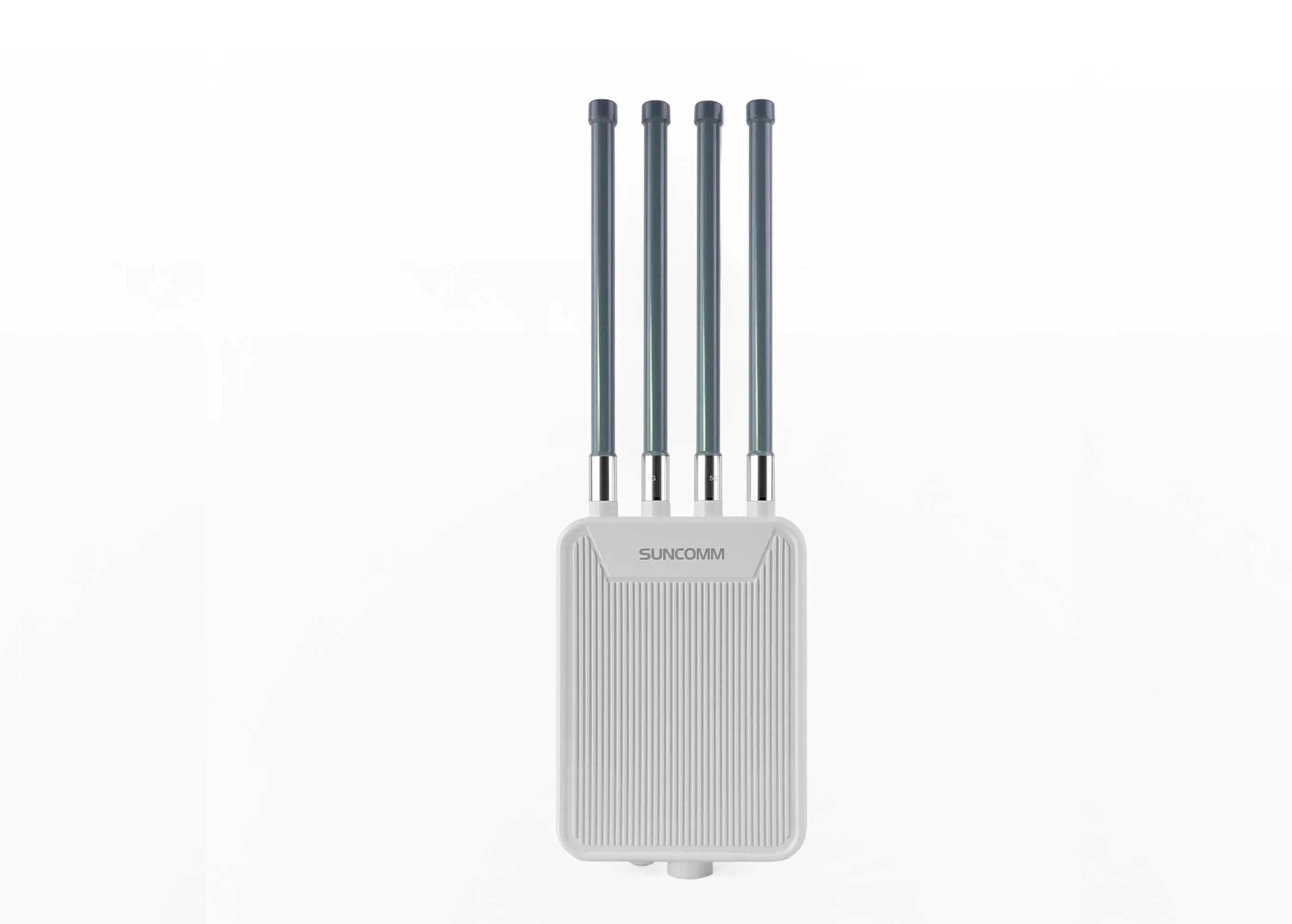
Many devices like the SUNCOMM SE06 5G WiFi 6 Router also support automatic firmware updates, making the process even simpler for users who prefer minimal manual maintenance.

The SE06 5G WiFi 6 Router receives regular firmware upgrades to keep up with user demands and network technology advancements. Recent updates have added:
² Enhanced VPN capabilities for WireGuard and OpenVPN.
² Better compatibility with global 5G frequency bands.
² Improved LED indicator functions for faster troubleshooting.
² Security patches addressing the latest vulnerabilities.
Powered by Qualcomm X62/X75 5G modules, the SE06 demonstrates how firmware updates can extend a product’s lifecycle and deliver more value over time.
Firmware upgrades are more than just routine maintenance—they are a crucial part of ensuring network security, performance, and feature longevity. By regularly updating your router’s firmware, you protect your network from new threats, enjoy better speeds, and gain access to the latest innovations without extra cost.
Whether you’re using a 5G CPE router at home, managing a WiFi 6 router in a business environment, or deploying devices in remote locations, keeping firmware updated is one of the smartest investments you can make in your network’s reliability.