Wireless networking products can be really confusing for people who are buying them for the time. One of the common questions people have is:
"If a wireless bridge can send data over several kilometers why can it not provide WiFi coverage over the same distance?"
At first it seems like it should be able to provide WiFi coverage across that area.. Wireless bridges and WiFi access points are designed for completely different purposes.
In this article we will explain the difference between bridges and access points. We will also talk about how antenna design affects performance.. We will explain why long-distance transmission does not automatically mean wide-area coverage.
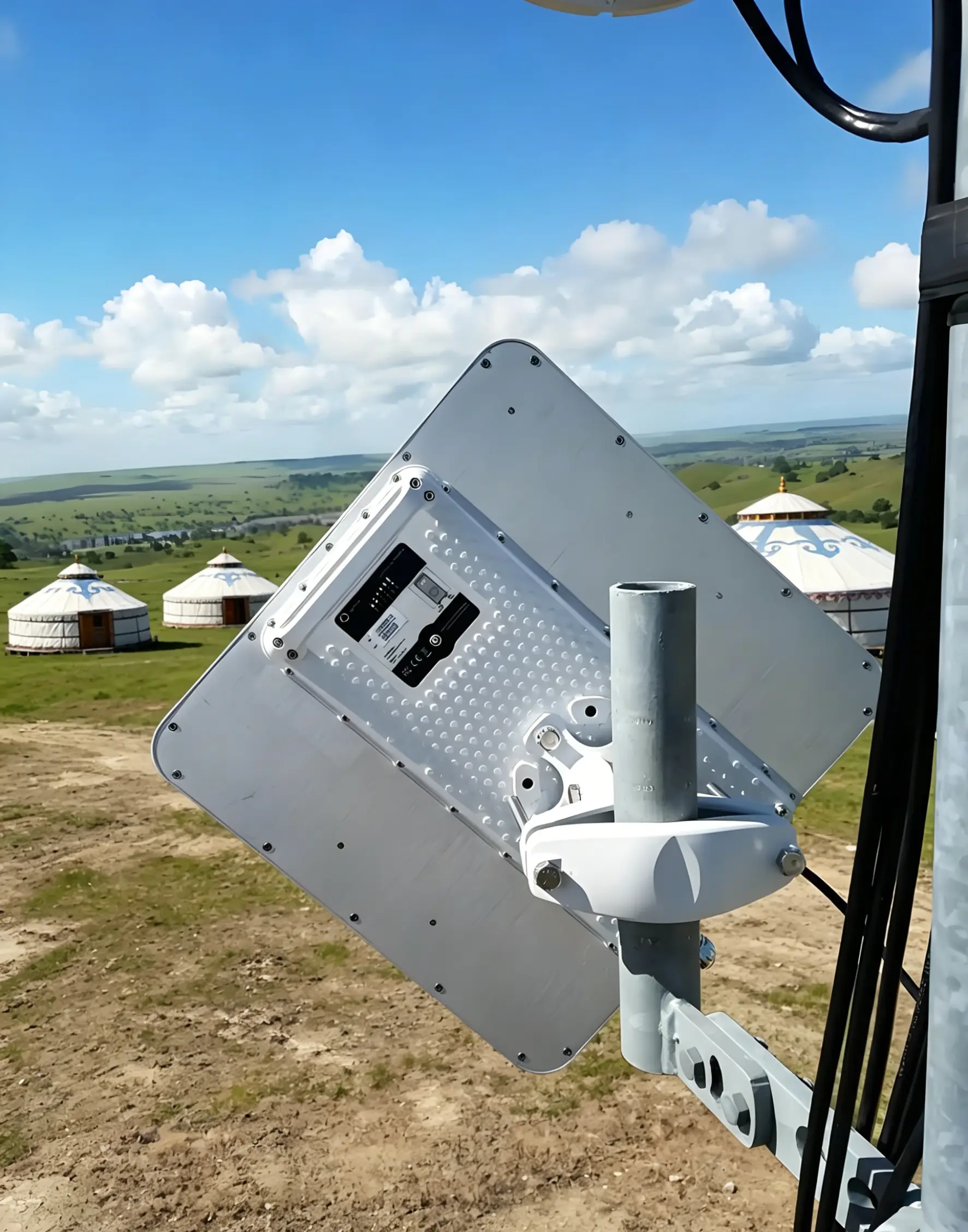
A wireless bridge is a device designed to connect two or more network locations through a wireless link.
Some examples of how wireless bridgesre used include:
l Connecting buildings across a campus
l Extending internet access to sites
l Elevator monitoring networks
l Construction site surveillance
l wireless backhaul
l Farm and rural broadband connectivity
Instead of serving smartphones, laptops or tablets directly a wireless bridge primarily transfers data between network endpoints.
The main goal of a bridge is to deliver stable high-speed communication over long distances.
Some wireless bridges can establish links ranging from hundred meters to more than 20 kilometers under ideal conditions.
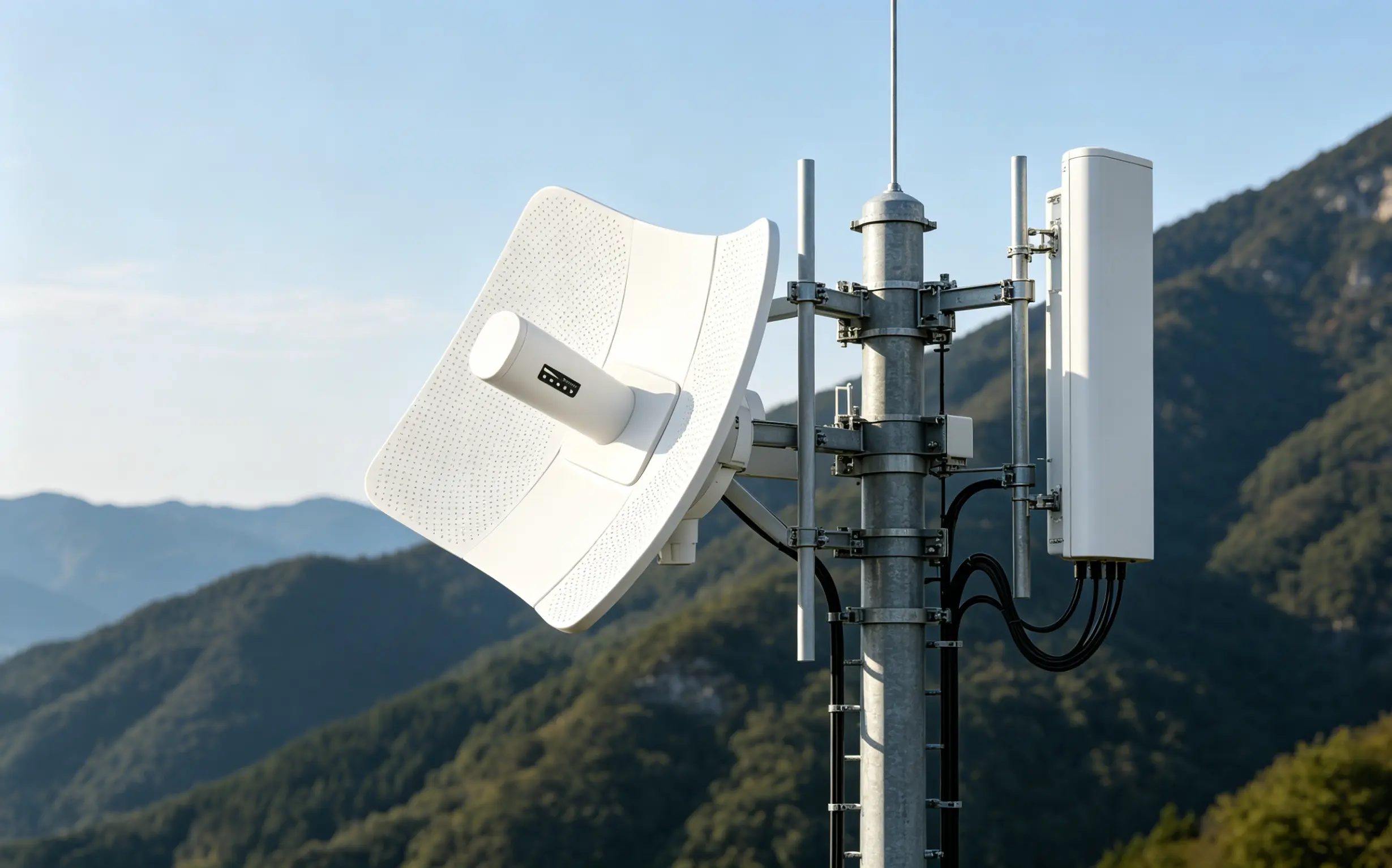
A WiFi Access Point is designed for a different task.
Its purpose is to provide wireless network access to client devices within a coverage area.
Some examples include:
l Home WiFi routers
l Hotel WiFi systems
l Office wireless networks
l School and campus WiFi
l Retail store WiFi deployments
An AP focuses on allowing many devices to connect simultaneously while maintaining coverage throughout a specific area.
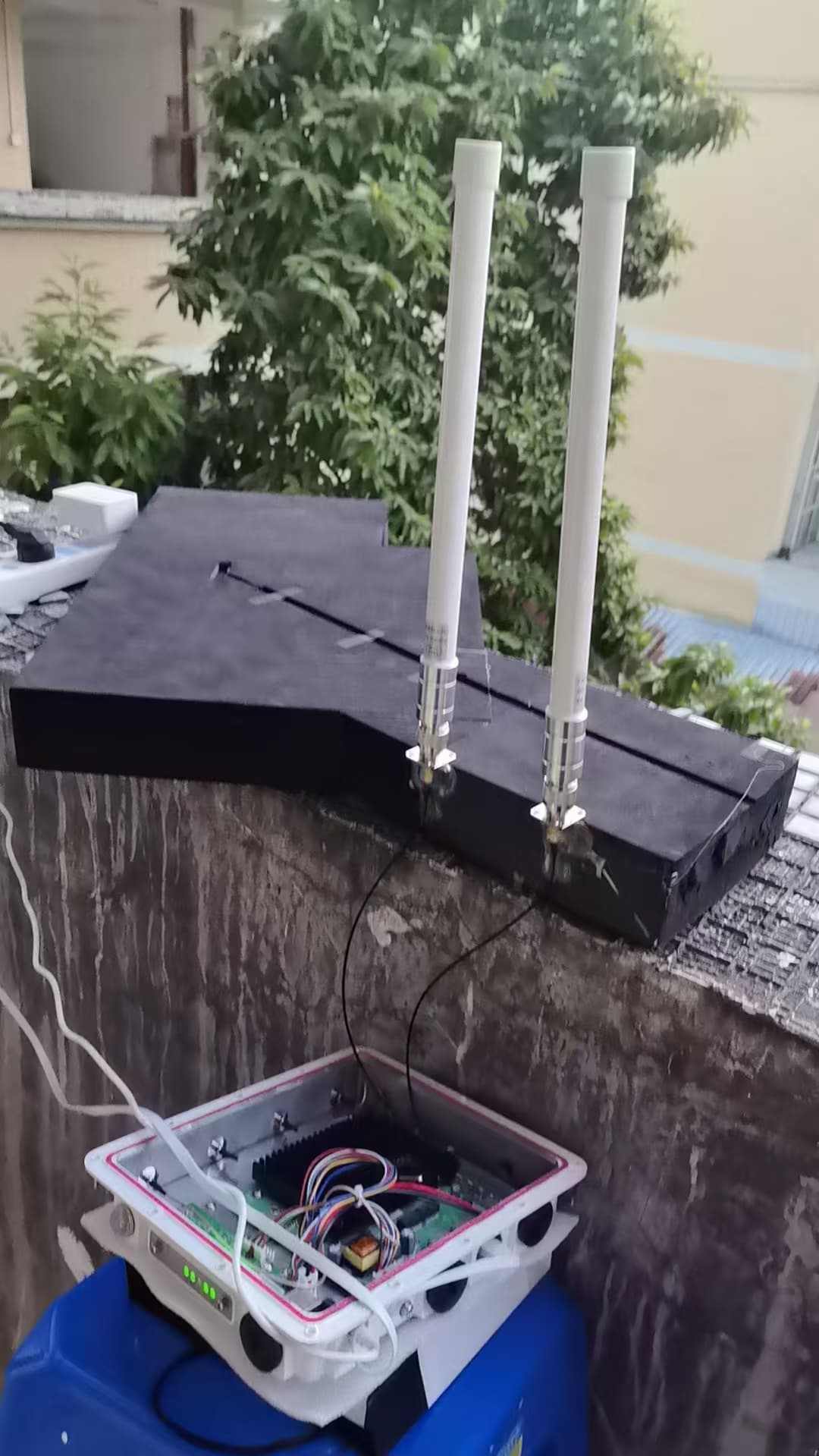
Many people think that wireless performance is only determined by transmit power.
In reality antenna design plays a much larger role.
The primary difference between bridges and WiFi APs is how they distribute radio energy.
WiFi APs spread signals in directions.
Most access points use antennas or sector antennas.
These antennas distribute radio signals across an area.
Imagine a bulb: light spreads in all directions coverage is wide and individual beams are not concentrated.
The same principle applies to AP antennas.
The benefits of this approach include coverage, support for multiple users and better mobility for connected devices.
The trade-off is that signal energy is spread over a large area reducing maximum transmission distance.
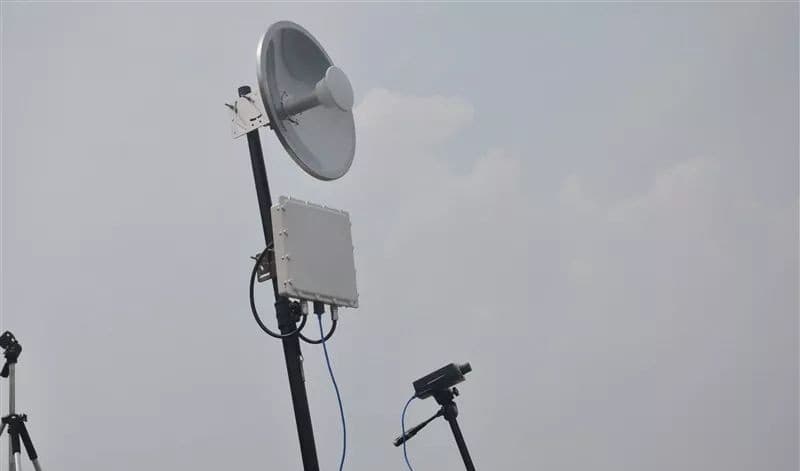
Wireless Bridges focus signals into a beam.
Wireless bridges typically use antennas, panel antennas or dish antennas.
Of spreading signals everywhere they concentrate energy toward a specific target.
Think of a flashlight or laser pointer: light is focused energy travels coverage area becomes much narrower.
This focused beam allows bridges to achieve greater distances than standard WiFi access points.
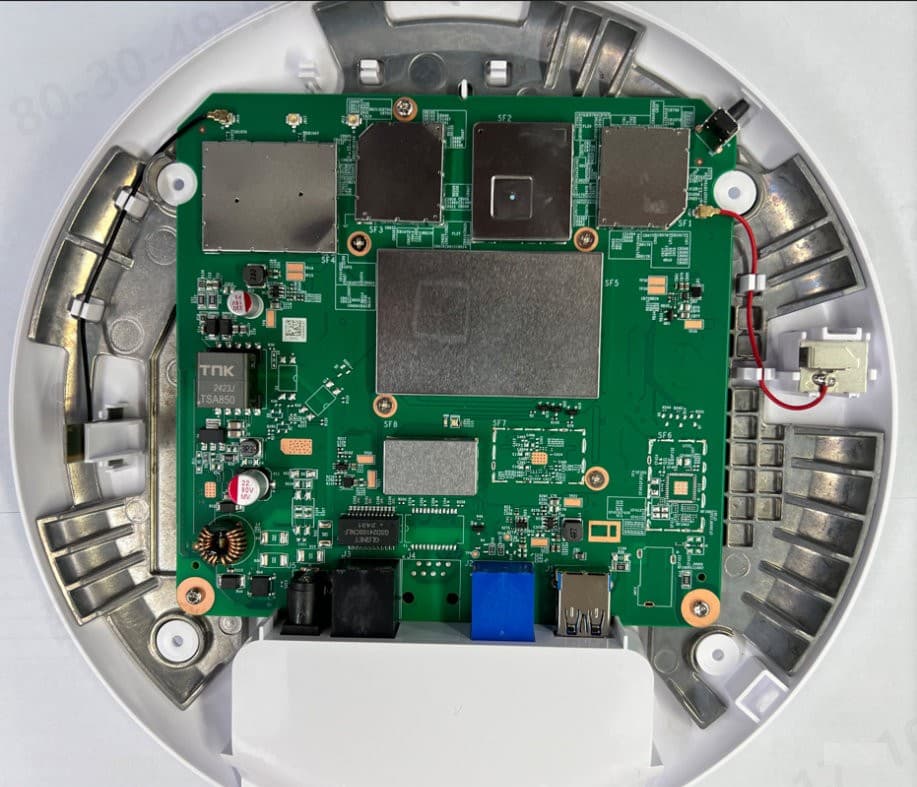
The answer lies in antenna gain.
Antenna gain measures how effectively an antenna concentrates radio energy in a direction.
Typical antenna gains are:
l Home WiFi Router: 2–5 dBi
l Indoor AP: 3–8 dBi
l Outdoor AP: 8–12 dBi
l Wireless Bridge: 15–30+ dBi
gain does not create additional power.
Instead it concentrates existing power into a beam.
This concentration dramatically increases communication distance.
This is where many buyers become confused.
A wireless bridge can certainly radiate signals over distances.
However those signals are concentrated into a beam.
For example a bridge antenna may have a beamwidth of 10° and a vertical beamwidth of 10°.
Everything outside that area receives very little signal.
As a result devices in the beam can communicate effectively but devices only a few meters outside the beam may experience weak or no connectivity.
This is why a bridge capable of reaching 5 km may still provide WiFi coverage around itself.
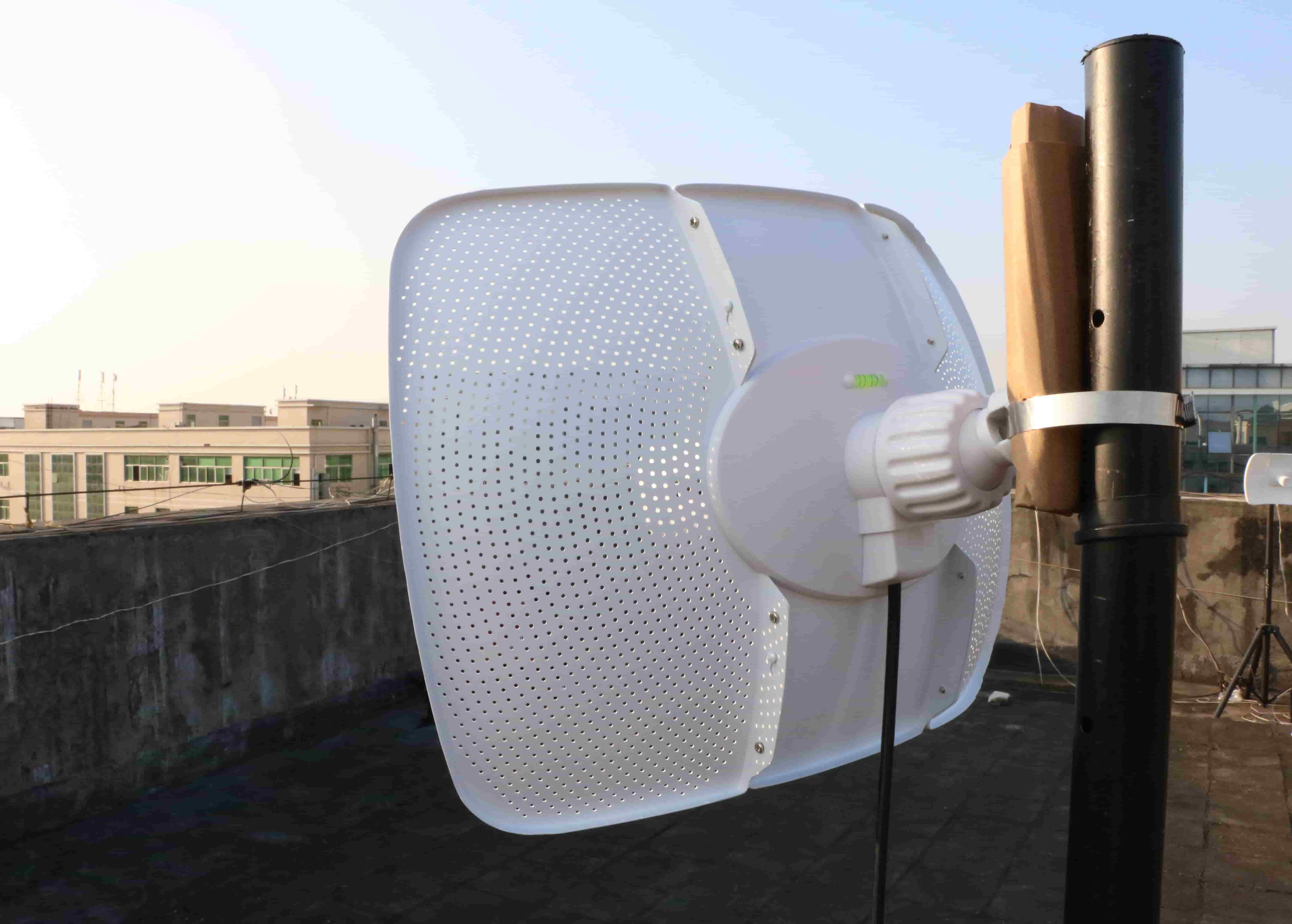
Beamwidth refers to how wide an antennas signal pattern's
There are two types of antennas: omnidirectional and directional.
An omnidirectional antenna has a beamwidth of 360° horizontal coverage.
The advantages of this type of antenna include area coverage and ideal performance for AP deployments.
However the disadvantages include transmission distance.
A directional antenna has a beamwidth of 5° to 60°.
The advantages of this type of antenna include long-range communication and better interference resistance.
However the disadvantages include coverage area.
This is the reason wireless bridges excel at long-distance links but are not suitable replacements for WiFi access points.
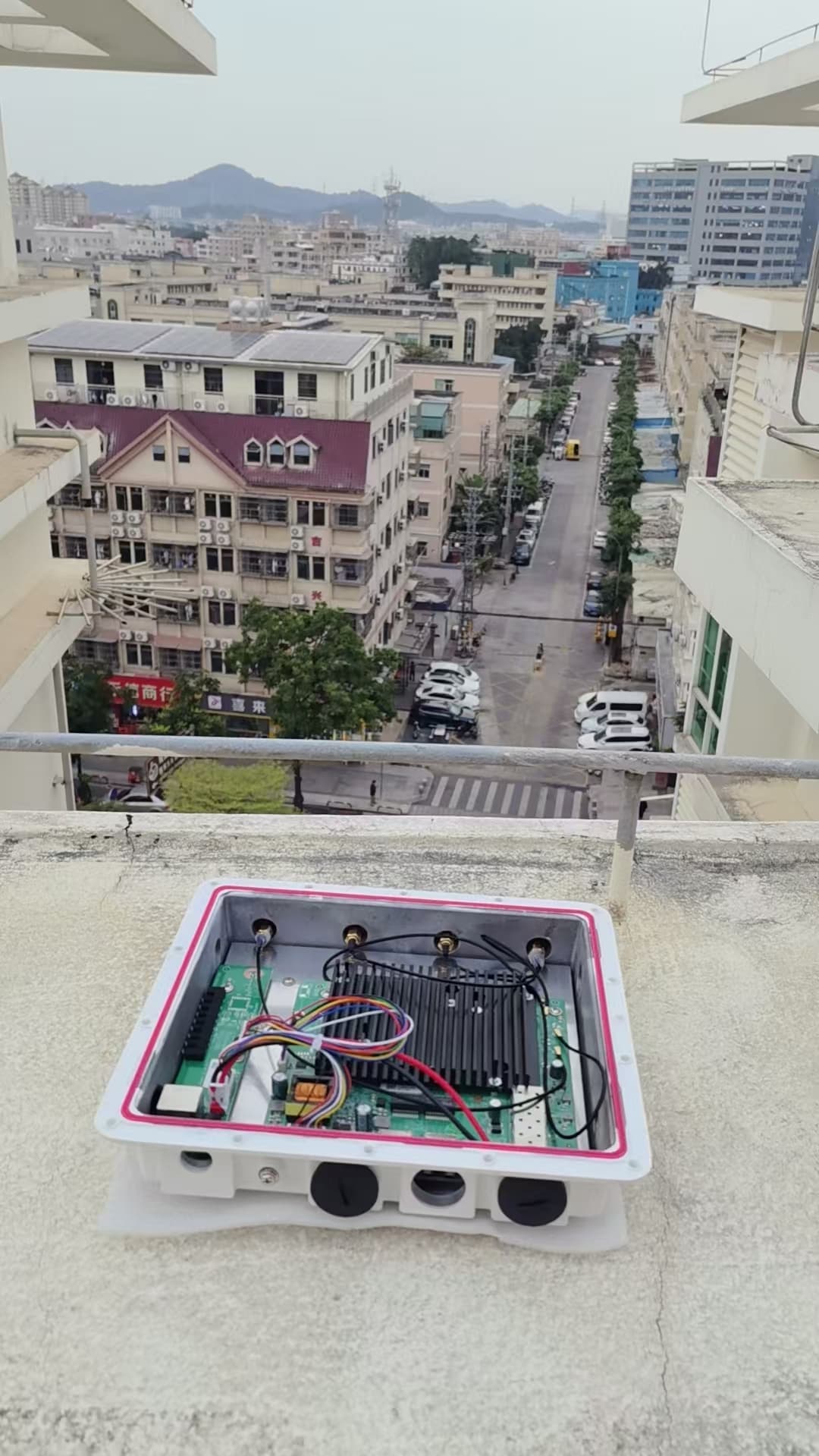
Technically yes.
Many modern wireless bridge products support operating modes, including bridge mode, access point mode and repeater mode.
However hardware design still matters.
If the device uses a directional antenna switching to AP mode does not magically create wide-area coverage.
Users outside the antennas beam may experience signal quality or lose connection entirely.
The Most Common Network Deployment Method
Professional wireless network deployments typically separate transmission and coverage functions.
A common design looks like this:
1. Internet
2. Wireless Bridge
3. Switch
4. WiFi Access Point
5. User Devices
In this setup the wireless bridge handles long-distance data transmission and the WiFi access point provides wireless coverage.
This architecture delivers both long-range connectivity and reliable user access.
In wireless engineering these are not official antenna categories.
However industry professionals often use these terms.
Coverage antennas typically include antennas and sector antennas.
They are best for WiFi coverage, public wireless networks, campus deployments and other applications that require wide-area coverage.
Transmission antennas typically include antennas, panel antennas and dish antennas.
They are best for point-to-point links, backhaul long-distance communication and other applications that require high-gain antennas.
The reason a wireless bridge can transmit data across kilometers but cannot provide WiFi coverage across the area comes down to one fundamental principle:
Wireless bridges concentrate radio energy while access points distribute radio energy.
A bridge is optimized for distance.
An access point is optimized for coverage.
Neither design is inherently better—they simply solve networking challenges.
Understanding this distinction helps businesses, system integrators and network installers choose the solution, for surveillance projects, elevator monitoring systems, industrial networks, campus deployments and long-distance internet connectivity.
When planning a network remember to use wireless bridges to move data over long distances and use access points to deliver WiFi to users.