You can first log in to the homepage of the backend to view and judge based on "System Info" - "Sub Name".
If it is "PMNE". Then select the corresponding firmware versions of "PMNE", such as "SC7981PMNE-XXX", etc;
If it is "PMN". Select the corresponding firmware version of "PMN", such as "SC7981PMN-XXX".

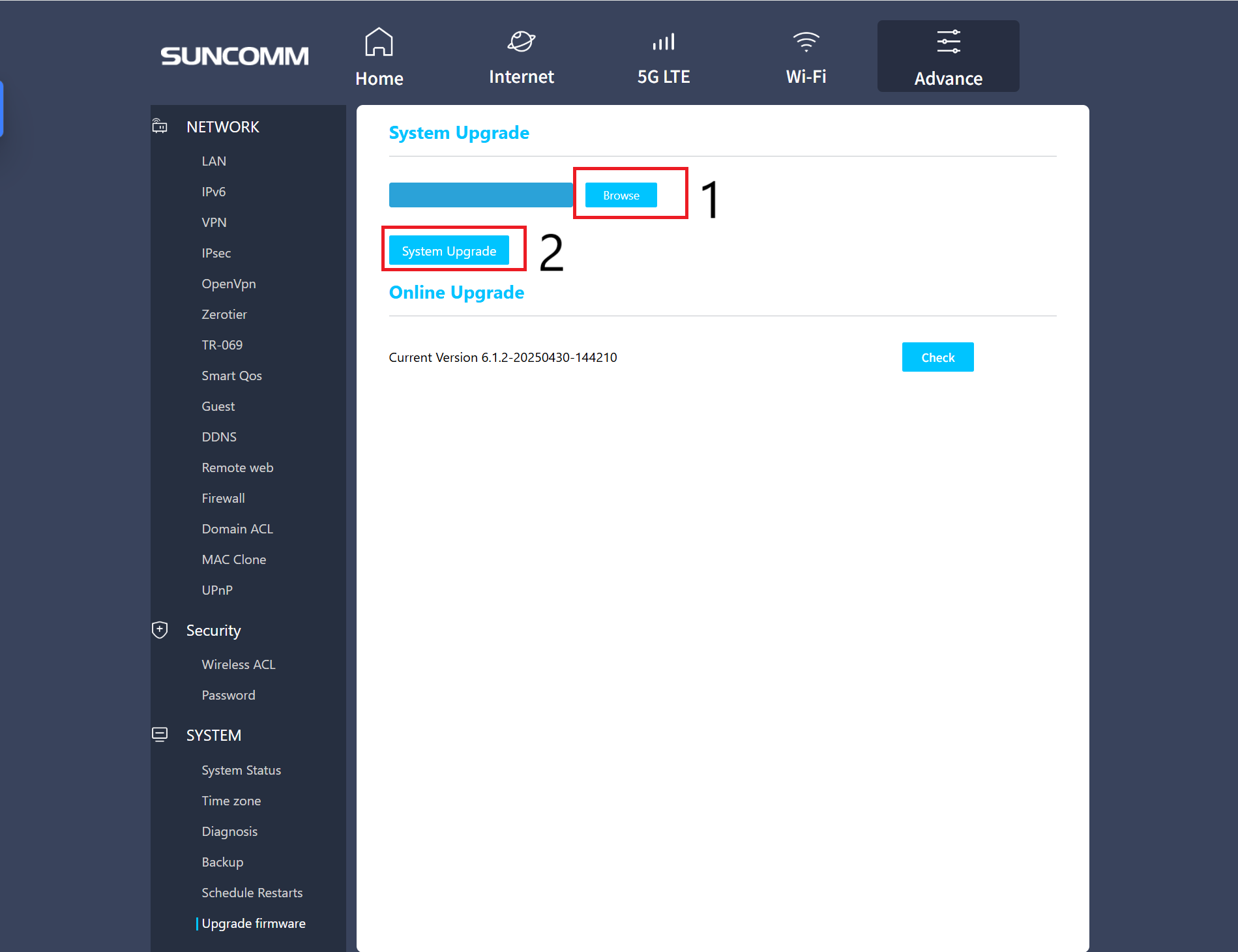
After downloading the firmware, unpack the firmware package (extract the .bin file). Then, in the product backend, go to Advance -> SYSTEM -> Upgrade firmware, import the firmware file, and click 'Update'.