
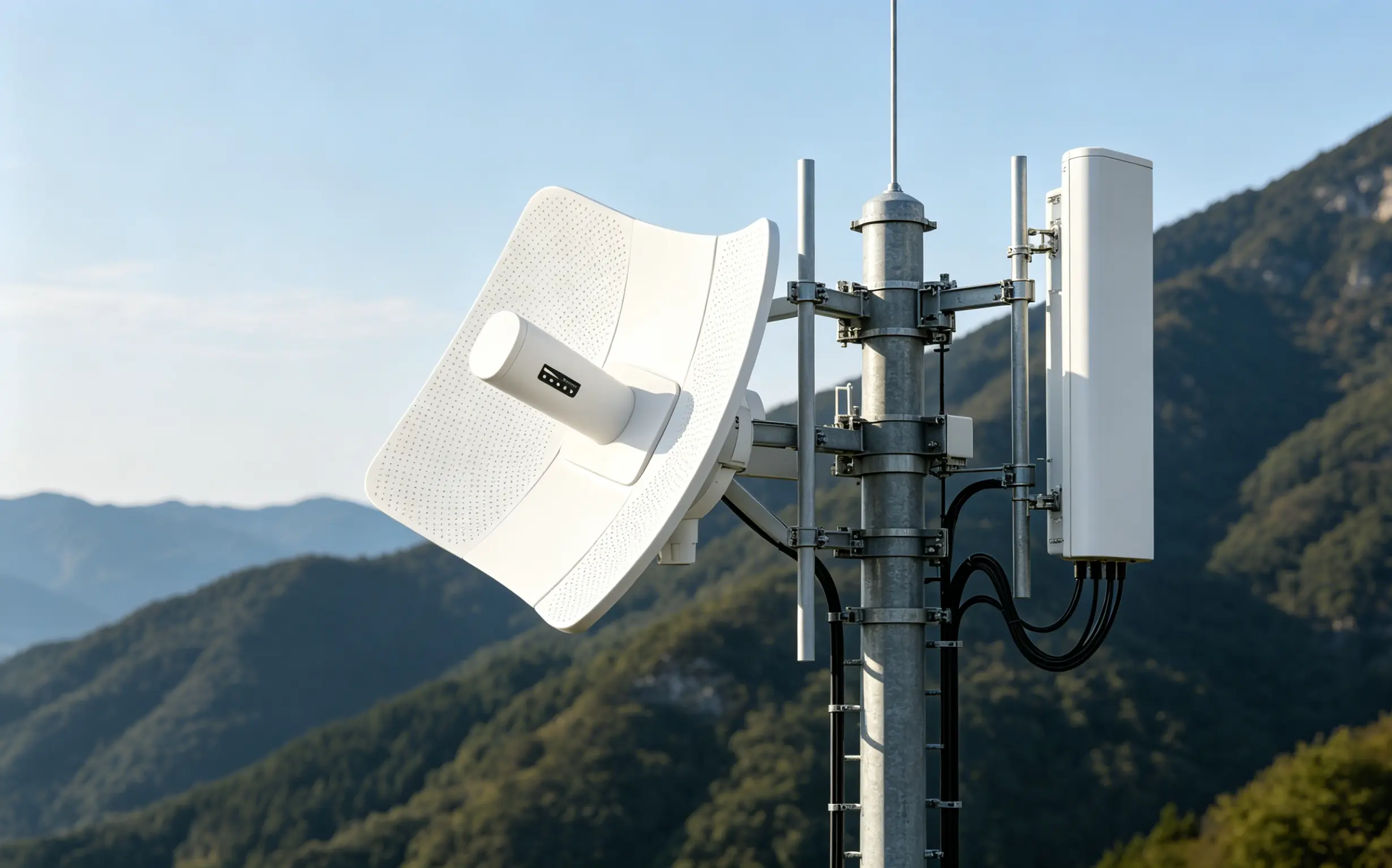
Setting up a wireless link is just the first step in creating a long-range point-to-multipoint network.
A network might have line of sight.
Every antenna could be aligned correctly.
The signal level might look strong at each site.
Still the network can suffer from slow speeds, high latency, packet loss or unstable performance.
Why?
Because a working wireless link does not mean the entire network will work well.
Once multiple remote sites start using the wireless infrastructure new challenges come into play.
l Bandwidth has to be shared.
l Wireless airtime needs to be managed.
l Interference must be handled.
l Power systems need protection.
l The whole network needs a clear structure.
This article explores the half of building a long-range point-to-multipoint network: how to make sure the wireless bridge system keeps running reliably after the physical links are set up.
.webp "antenna3 (1).jpg")
The important idea to understand is that a point-to-multipoint wireless network shares capacity.
This is different from a point-to-point wireless bridge.
In a point-to-point setup one wireless link connects two locations.
In a point-to-multipoint setup several remote stations connect to the main station.
As a result the available wireless resources are shared.
For example assume the main wireless sector can deliver an usable throughput of about 300Mbps.
If four remote sites are connected this does not mean:
Site A = 300Mbps
Site B = 300Mbps
Site C = 300Mbps
Site D = 300Mbps
all sites share the total wireless capacity.
Actual performance depends on:
- Number of active users
- Traffic demand
- Signal quality
- Modulation rate
- Interference
- Protocol overhead
- Airtime usage
This is one of the differences between what equipment specs say and real-world network behavior.
Wireless networks are very sensitive to airtime efficiency.
A remote station with signal quality can transmit data faster.
A weaker or faraway station may have to use a modulation rate.
That means the weaker station uses airtime to send the same amount of data.
For example:
Strong Link → Higher Data Rate → Less Airtime Required
Weak Link → Lower Data Rate → Airtime Required
So a distant or poorly performing remote station can use too much of the wireless bandwidth.
This is one reason why link quality stays important after a connection is made.
The goal should not be simply to connect every station.
The goal should be to keep link quality across the entire sector.
Network capacity should be built around needs.
Before setting up a point-to-multipoint system consider:
- Number of users at each site
- Expected number of simultaneous users
- Video streaming requirements
- VoIP traffic
- IP camera traffic
- Cloud applications
- File transfers
- WiFi usage
For example a small office remote site may need only modest bandwidth.
Another site running WiFi or multiple security cameras may create much more traffic.
The total traffic requirement should be calculated across the network.
Do not just compare the demand with the maximum theoretical wireless speed listed on the equipment.
World usable throughput will always be affected by protocol overhead, weather conditions and simultaneous traffic.
QoS or Quality of Service plays a role in managing point-to-multipoint networks.
Without traffic control one remote site could use all the wireless capacity.
This would hurt every site connected to the same sector.
QoS policies help:
- Limit bandwidth per site
- Stop individual stations from overloading the network
- Prioritize important applications
- Improve fairness
- Reduce congestion
For example if four remote stations share one wireless sector the network administrator can assign bandwidth rules based on each site’s needs.
Critical services get priority.
Nonessential traffic gets restricted during peak times.
This becomes especially important for networks serving customers or separate locations.
Even a built wireless link can perform poorly if it operates in a crowded radio environment.
In areas the 5GHz band is used by:
- Outdoor wireless bridges
- WiFi networks
- Surveillance systems
- Wireless ISPs
- Private enterprise networks
A sector antenna can pick up interference from a wide area.
That’s why channel selection should not be left to guesswork.
A proper deployment must include a spectrum scan before installation.
What Should a Spectrum Survey Check?
The survey should find:
- Existing wireless networks
- High-noise channels
- Channel utilization
- Interference patterns
- cleaner frequencies
The goal is to pick a channel based on the real radio environment.
Where local regulations allow and the equipment supports it DFS channels can give options.
Dfs behavior must be understood because radar detection may force devices to change channels.
Another rule: avoid unnecessary competition between the wireless backhaul and local access points.
For example a remote site may get internet through a 5GHz wireless bridge. Then provide local WiFi to users.
If both the backhaul and the local AP use the overlapping channels they may interfere.
A better design is to create a clear frequency plan:
- Wireless Backhaul → Dedicated Frequency/Channel
- Local WiFi AP → Separate Channel Plan
The exact plan depends on spectrum and equipment.
But the principle remains the same: do not create interference inside your network.
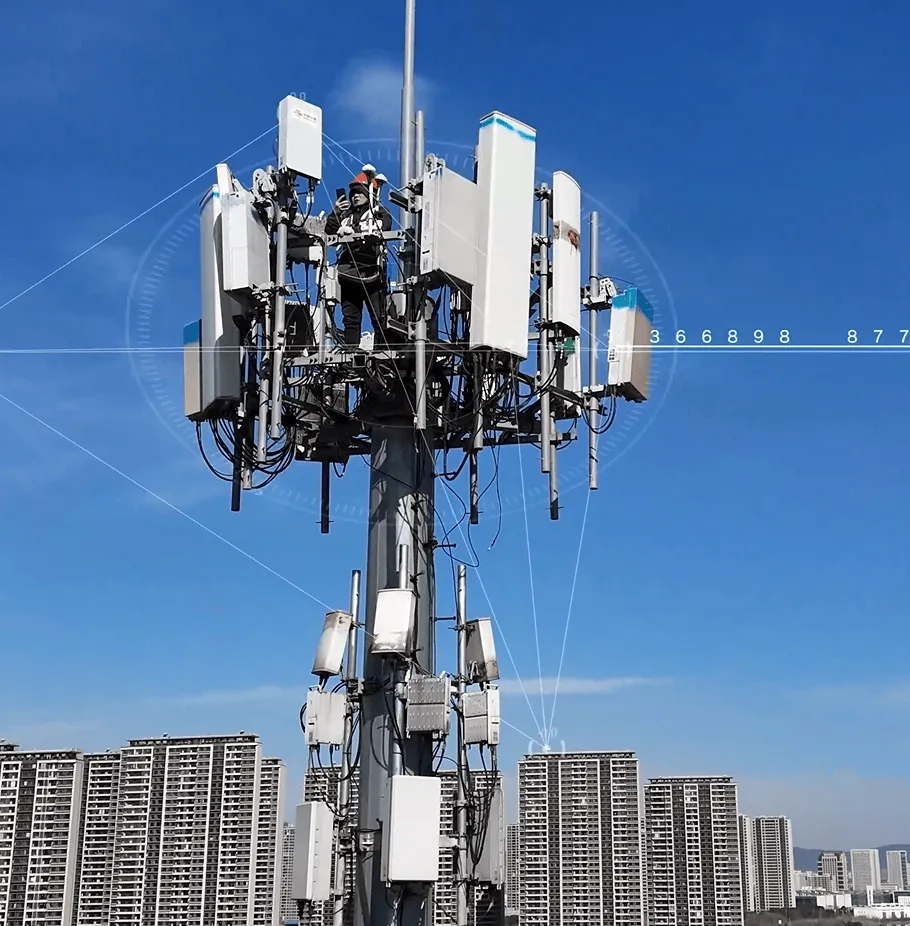
Outdoor equipment is often placed on towers, rooftops and poles.
Most devices use Power over Ethernet allowing power and data to travel through one cable.
The physical setup must follow the limits of Ethernet and PoE.
Standard copper Ethernet cables are typically designed for distances of about 100 meters.
If equipment is installed away alternatives may be needed, such as:
- Fiber
- PoE extenders
- Additional switches
- Dedicated power systems
Power planning must be done before installation.
Tower installations face risks from surges and lightning.
Even a nearby strike can damage equipment through cables or power lines.
Possible surge paths include:
- Ethernet cables
- Power cables
- Metal towers
- Grounding systems
A correct outdoor setup should include:
- Ethernet surge protection
- Reliable grounding
- Equipment bonding
- Outdoor-rated cables
- Weatherproof connectors
- Protected cable routing
The physical protection system should follow electrical and lightning protection standards.
A network can have RF performance but still fail repeatedly if surge protection and grounding are not properly done.
As more remote sites are added network management becomes harder.
A planned network might work with two or three sites but become hard to troubleshoot when expanded.
The network should have a plan for:
- Management IP addresses
- User networks
- DHCP
- Gateways
- Remote access
- VLANs
Every major network device should have a documented management address.
This makes troubleshooting much easier.
.webp "starlinkwifi (1).png")
VLANs can help when different remote sites or services need to stay separate.
For example:
- VLAN 10 → Remote Site A
- VLAN 20 → Remote Site B
- VLAN 30 → Remote Site C
- VLAN 40 → Remote Site D
- VLAN 99 → Network Management
Additional VLANs can separate:
- Public WiFi
- Office users
- IP cameras
- Guest access
- Management traffic
This approach improves security and simplifies maintenance.
It also helps identify where traffic issues or network problems begin.
A typical point-to-multipoint network relies on one wireless station.
If that device fails all remote sites may lose connectivity at once.
For example:
Main Station Failure
↓
Remote Site A → Offline
Remote Site B → Offline
Remote Site C → Offline
Remote Site D → Offline
This is called a point of failure.
Not every setup needs redundancy.
Critical networks should evaluate the impact of losing:
- The main wireless bridge
- Internet backhaul
- Power
- The main switch
Possible backup options include:
- Secondary wireless links
- Backup main station
- Redundant internet connections
- 4G/5G backup
- UPS systems
- Generator power
The level of redundancy should match the importance of the network.
Long-distance network infrastructure can be expensive to maintain if technicians must visit every tower for every issue.
Remote monitoring should be built in from the start.
Important parameters include:
- Signal strength
- Signal-to-noise ratio
- Throughput
- Packet loss
- Latency
- Device temperature
- CPU utilization
- Ethernet status
- PoE status
- Device uptime
Monitoring can detect problems before they cause failure.
For example dropping signal strength may indicate:
- Antenna movement
- Tree growth
- Water in a connector
- New obstacles
- Equipment aging
Preventive maintenance is usually simpler and cheaper than emergency repairs.
A Practical Point-, to-Multipoint Network Checklist
Before launching the network confirm the following.
Bandwidth
- Evaluate total traffic requirements
- Calculate usage
- Consider real usable throughput
- Apply bandwidth limits where needed
- QoS
Prevent individual sites from consuming all capacity, Prioritize applications, Manage traffic fairly
Frequency
l Perform a spectrum scan
l Select channels based on real conditions
l Separate backhaul and local WiFi where possible
Power
l Confirm PoE compatibility
l Check cable distances
l Plan backup power if necessary
Protection
l Install appropriate surge protection
l Ground towers correctly
l Protect outdoor cables and connectors
Network
l Plan IP addressing
l Separate management traffic
l Use VLANs where appropriate
Reliability
l Identify single points of failure
l Consider backup links and power
l Match redundancy to business requirements
Monitoring
l Monitor RF performance
l Monitor network traffic
l Record device health
l Create maintenance procedures
.webp "antenna5 (1).png")
A long-range point-to-multipoint wireless bridge network is not simply a group of antennas communicating over several kilometers.
It is an infrastructure system.
The first stage is making sure every physical wireless link has line of sight, correct antenna coverage and sufficient signal margin.
The second stage is ensuring that the entire network can continue to operate when multiple locations begin sharing bandwidth.
This requires attention to:
l Bandwidth Planning
l QoS
l Airtime Efficiency
l Interference Management
l Power Protection
l VLAN Architecture
l Redundancy
l Remote Monitoring
At SUNCOMM we believe that a successful range wireless project should be evaluated as a complete system.
A strong signal alone is not enough.
A high theoretical wireless speed alone is not enough.
The real goal is to create a network that can provide predictable and manageable connectivity across every remote site.
The important question is not:How far can the wireless bridge transmit?
The better question is:Can the entire network continue to provide connectivity when every site is active at the same time?
That is where long-range wireless connectivity becomes a network solution rather, than simply a successful distance test.